
One relationship. Two clear sides.
Actual screens from the working product preview. Each dealership, customer, vehicle and case shown is fictional.
Useful for the owner.
Clear for the team.
The owner has their vehicle to hand. The service team can see what needs attention.
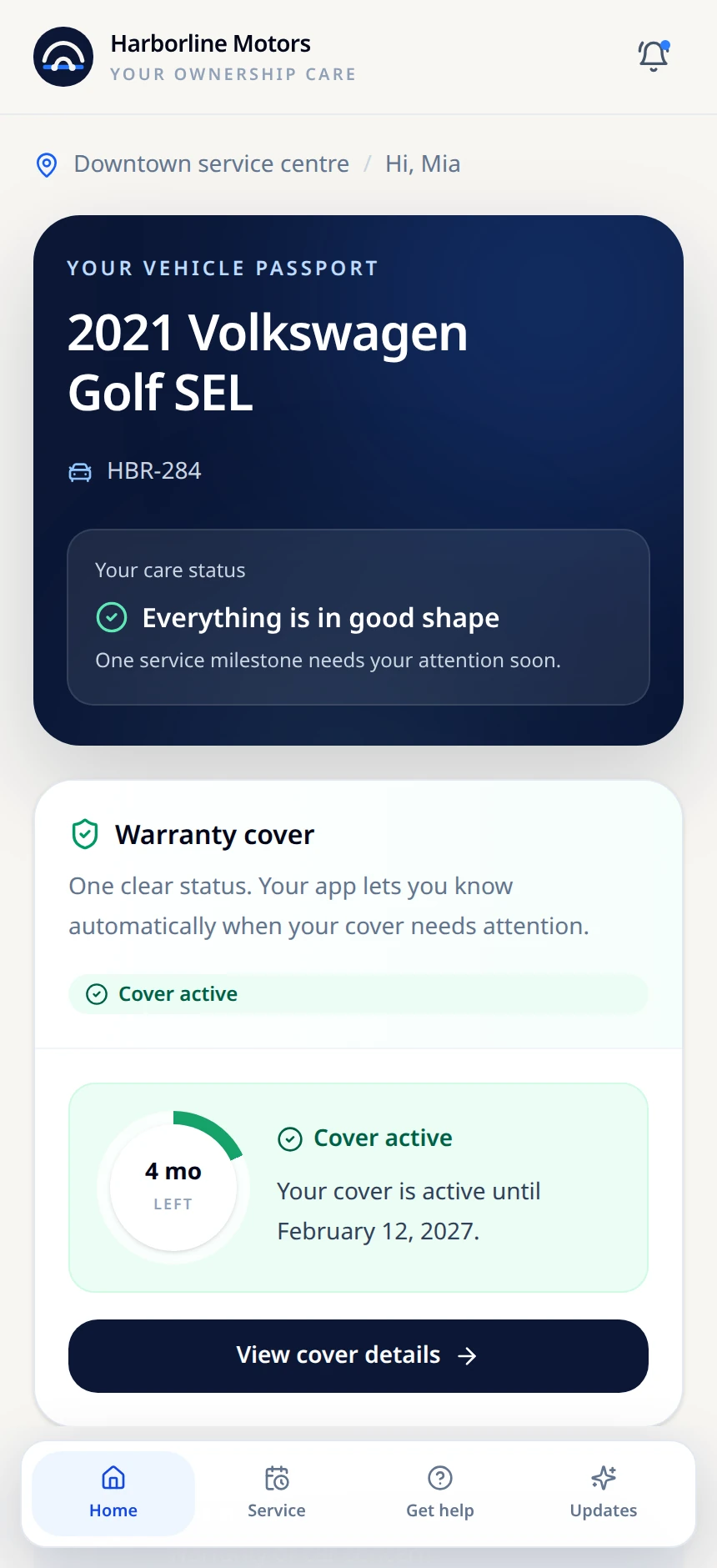
A vehicle passport.
Vehicle information and time-based cover status when a warranty applies.
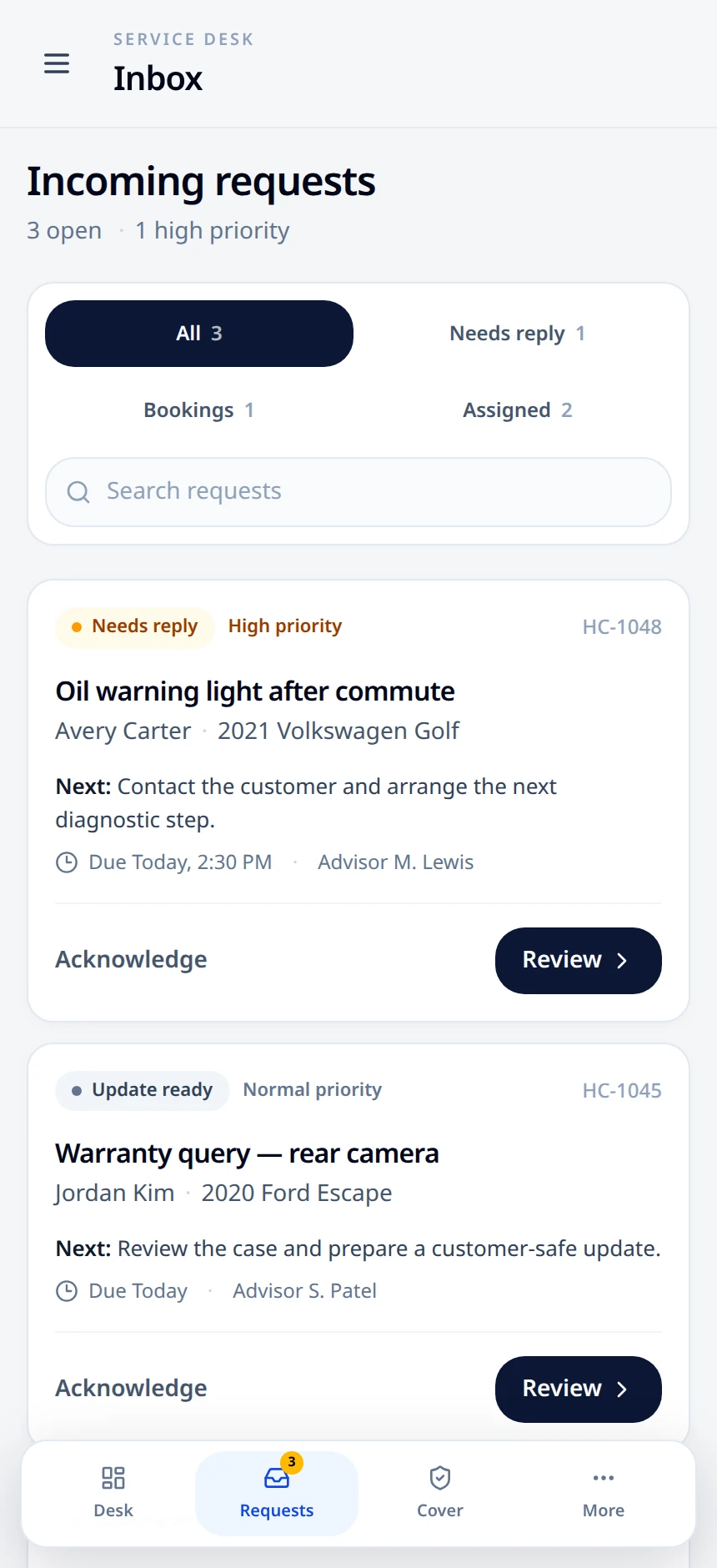
Requests in focus.
Separate customer requests, their priorities and the next action.
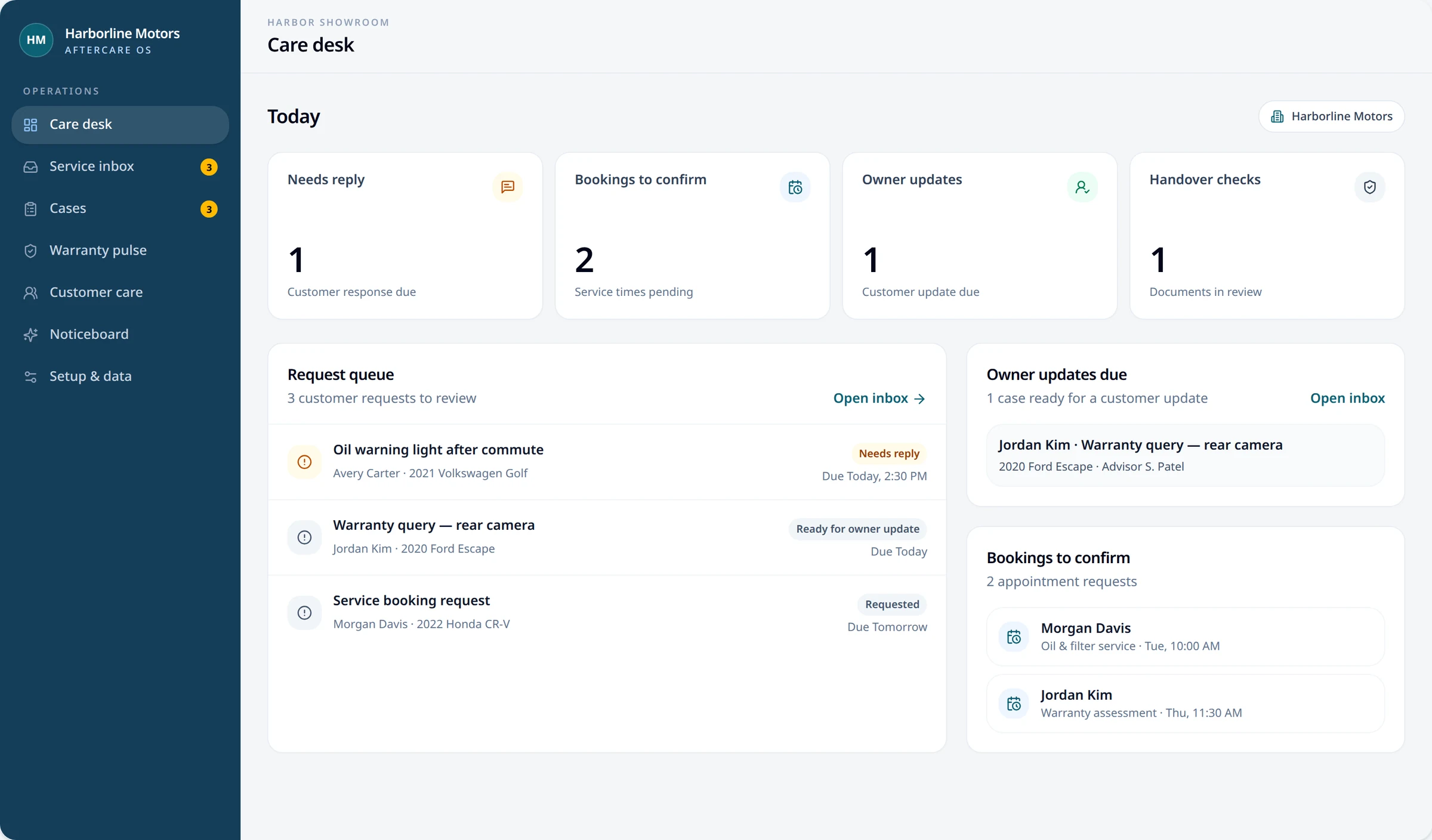
The owner asks. The team can follow through.
A clear help route on one side; a desktop care desk on the other.
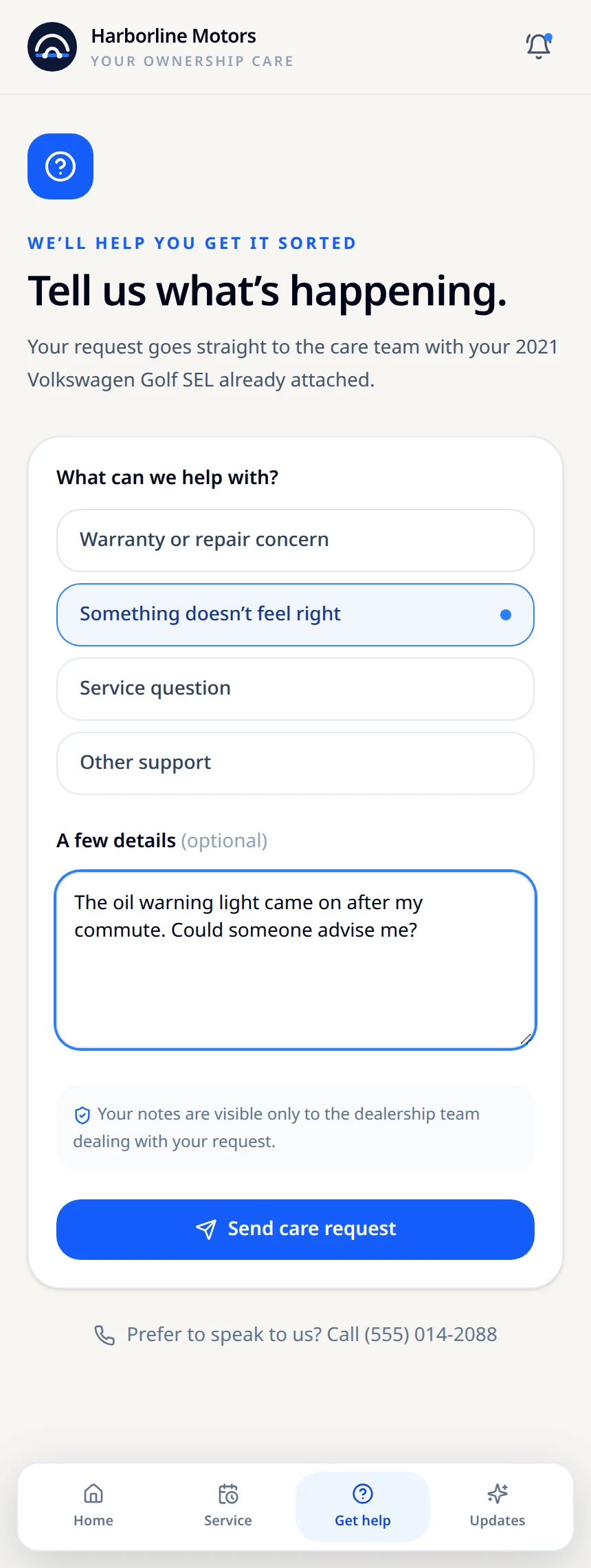
A simpler way to ask.
The vehicle is already in view when the owner explains a concern.
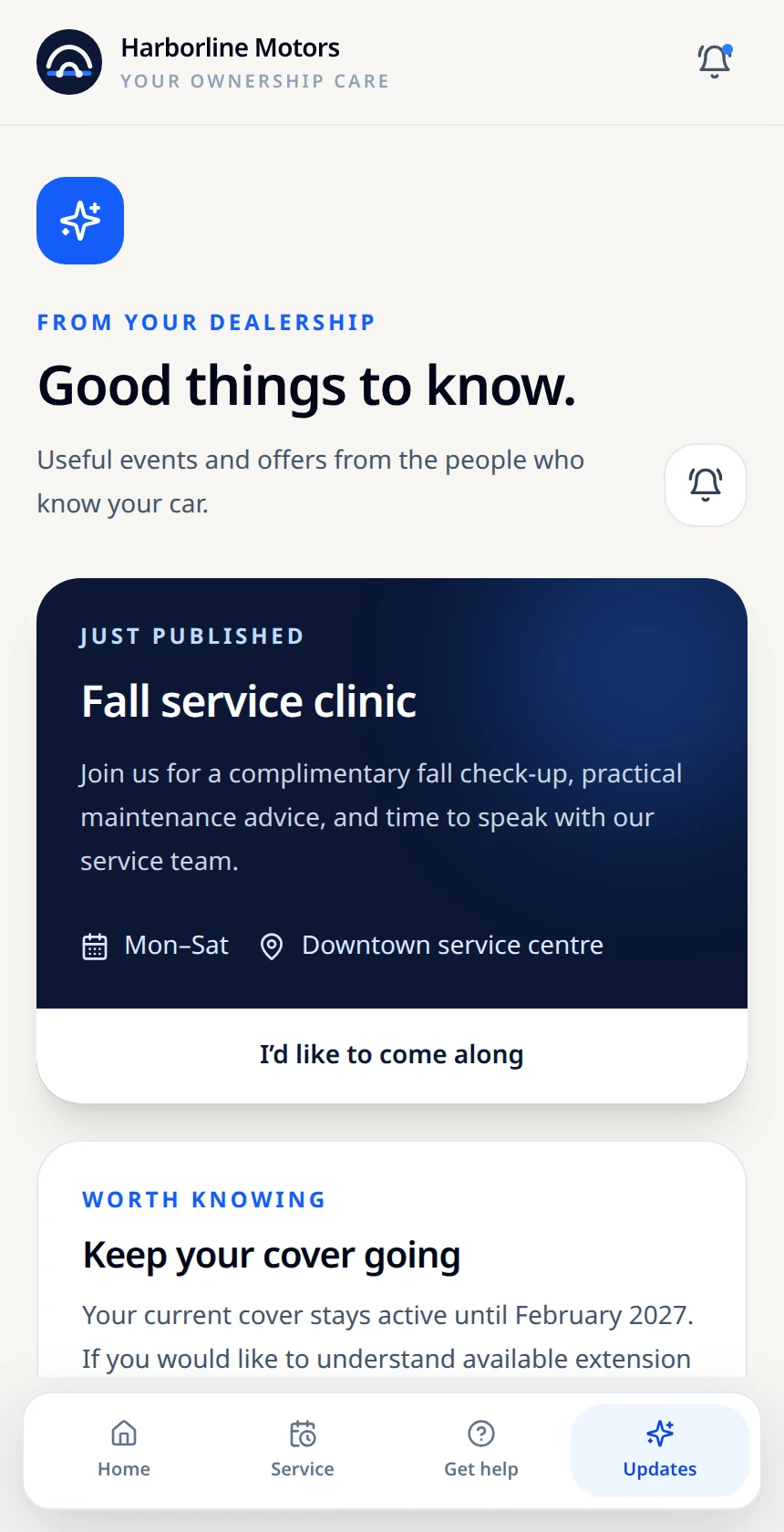
One message. Both sides.
The same fictional service event on the dealership noticeboard and in the owner’s Updates.
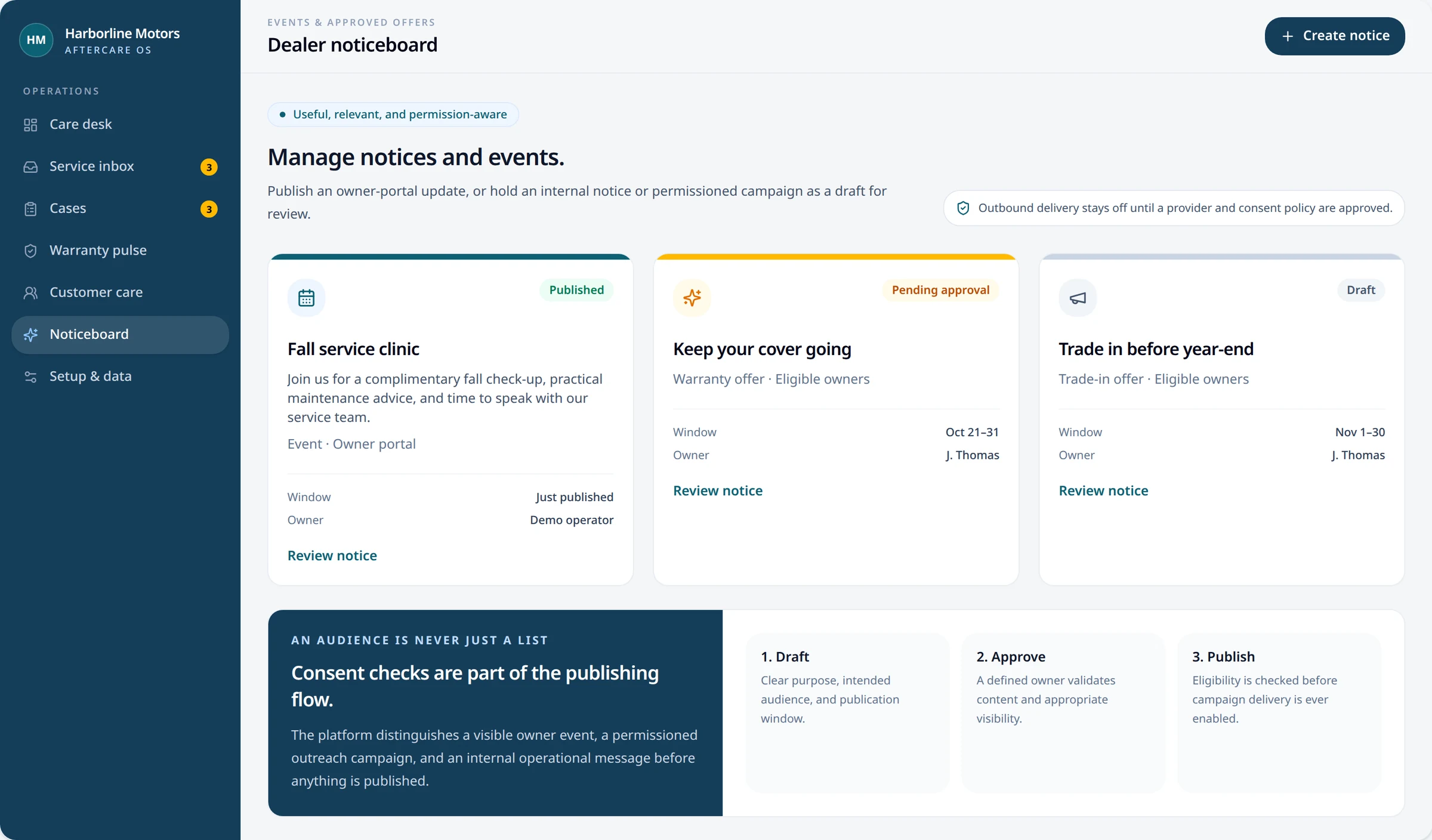
From the dealership.
The same event appears in the owner app. No phone alert is sent in this preview.
These screenshots use fictional data. Live case submission, booking integrations, customer campaigns and push delivery require dealer-specific production setup and approval.